
Whole-kit view
See every pad and its assignments together instead of remembering what is hidden behind each hardware menu.
Performance Editor: SX 9 Pad · Roland SPD-SX
Edit kits and pads, import your own samples, and see the SPD-SX’s wave library without navigating the hardware one menu at a time.
Browse the actual SX 9 interface on Mac, iPad, and iPhone. Swipe each row to see the complete App Store screenshot set.
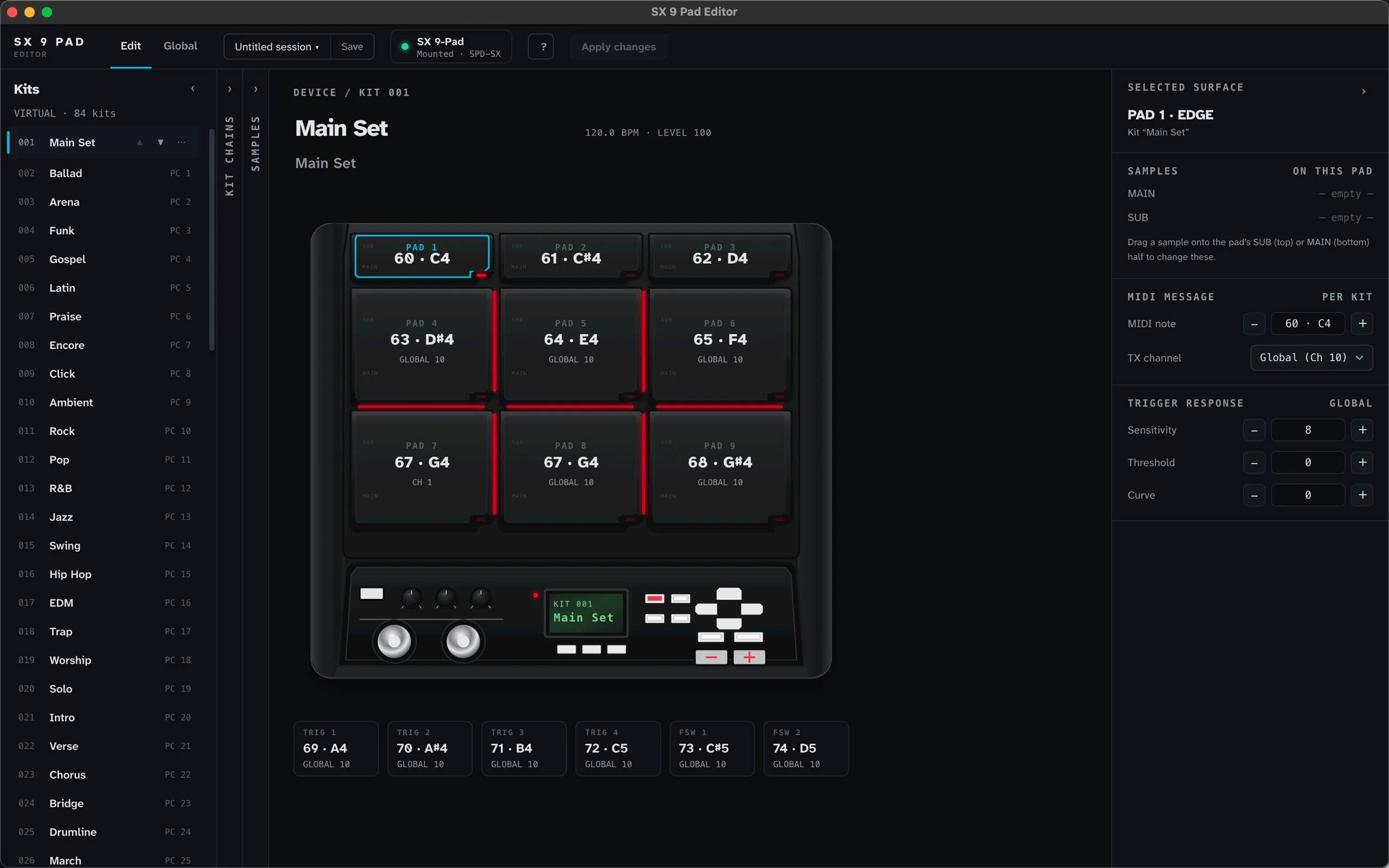
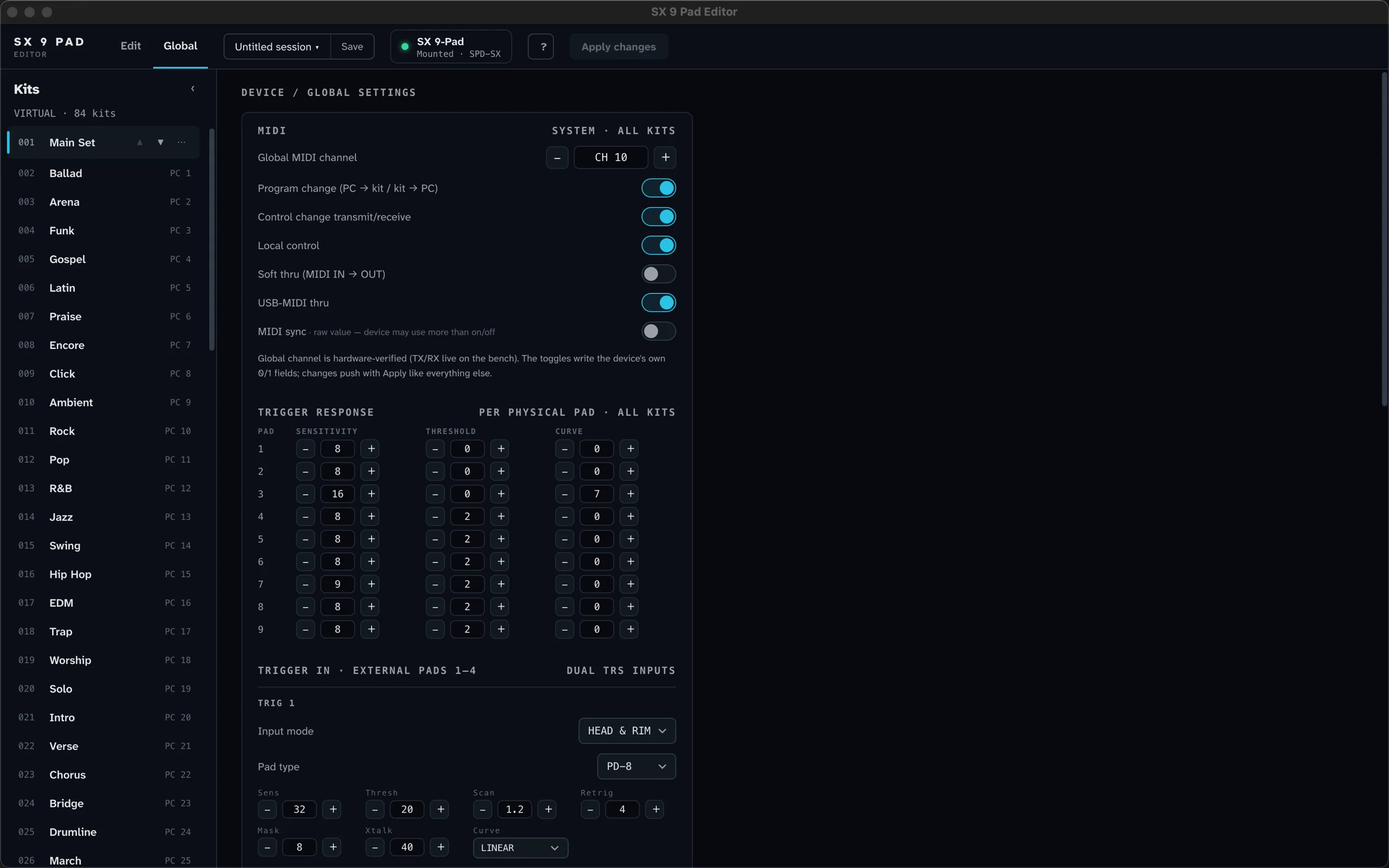
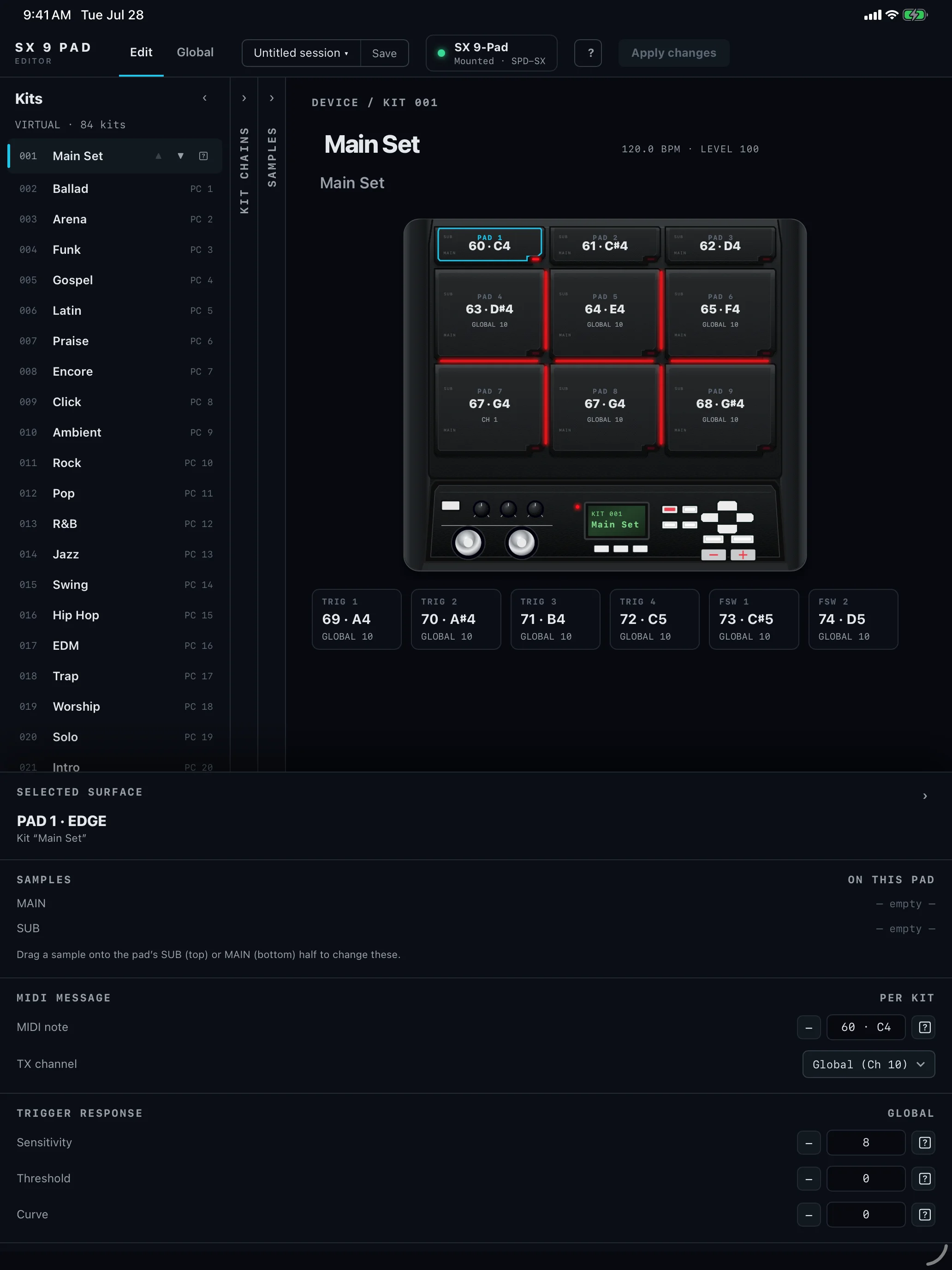
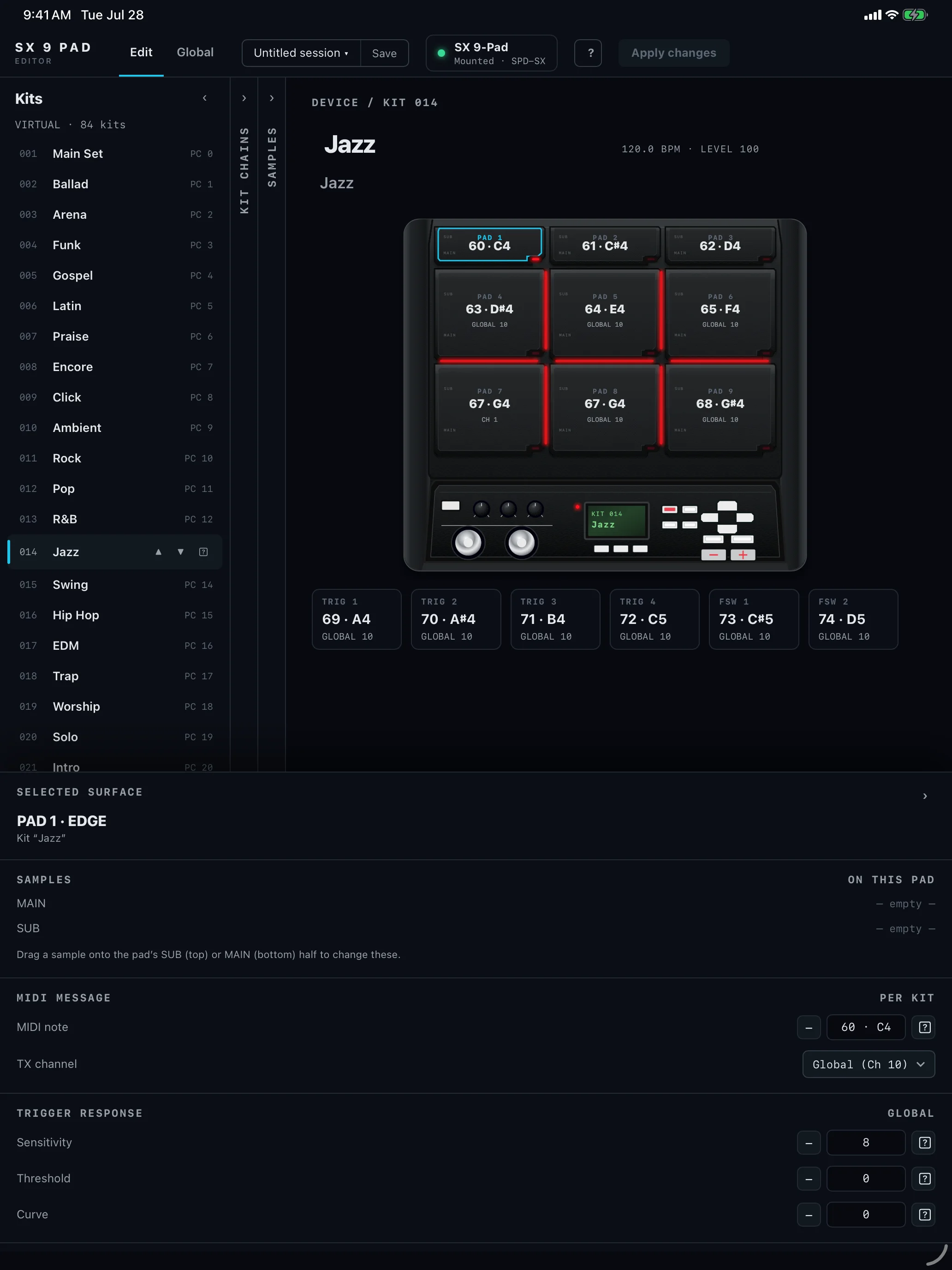
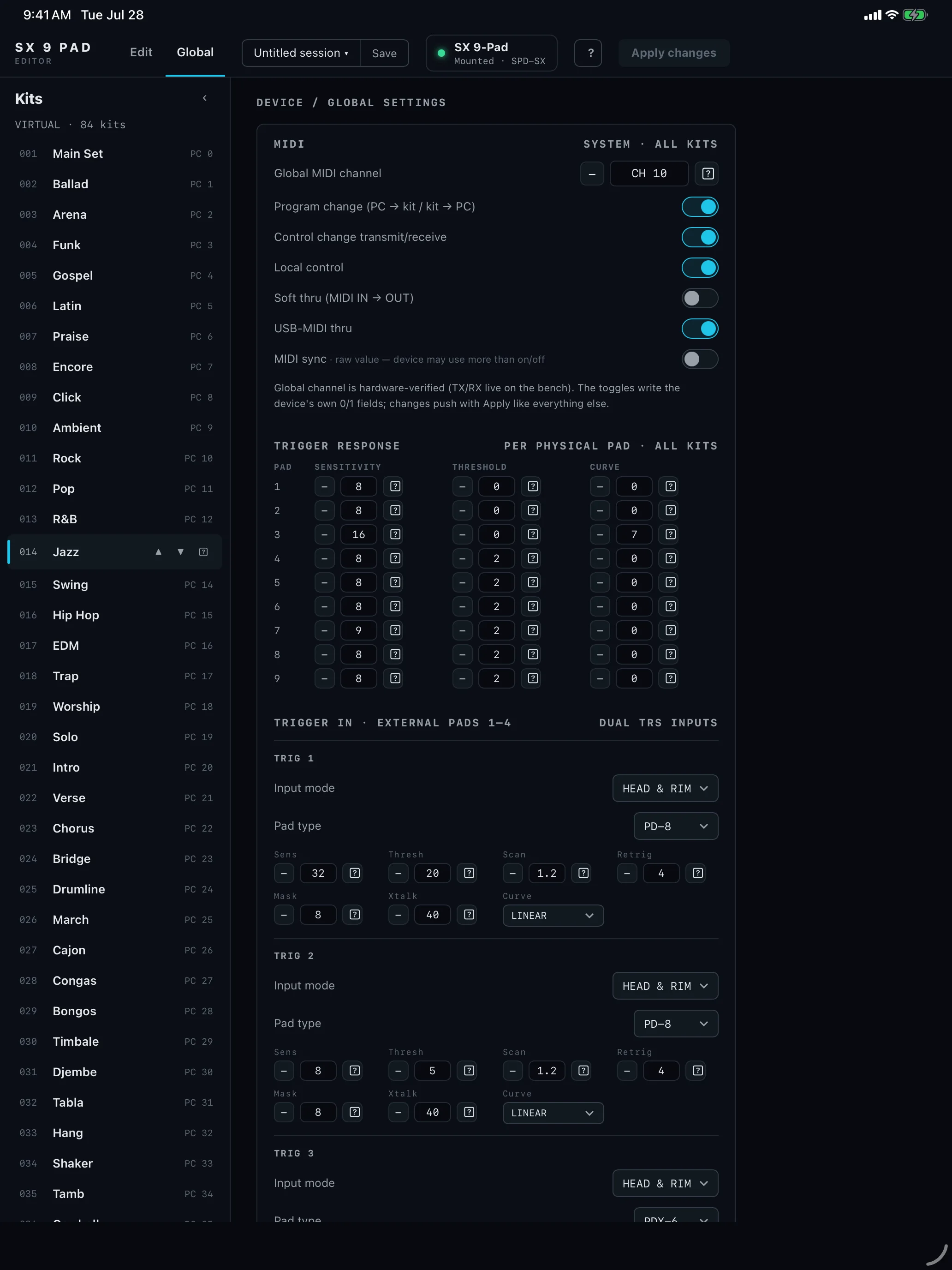
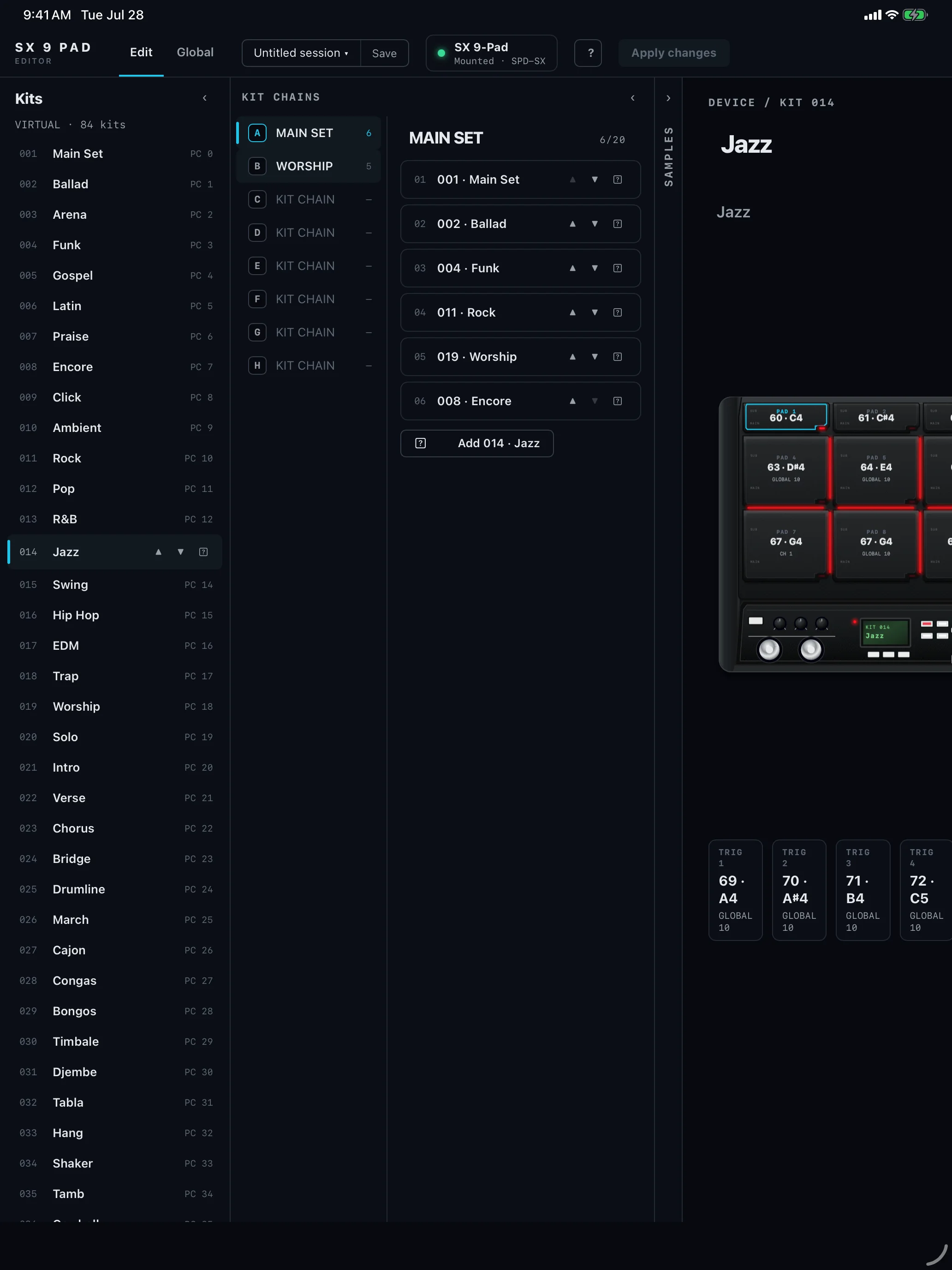
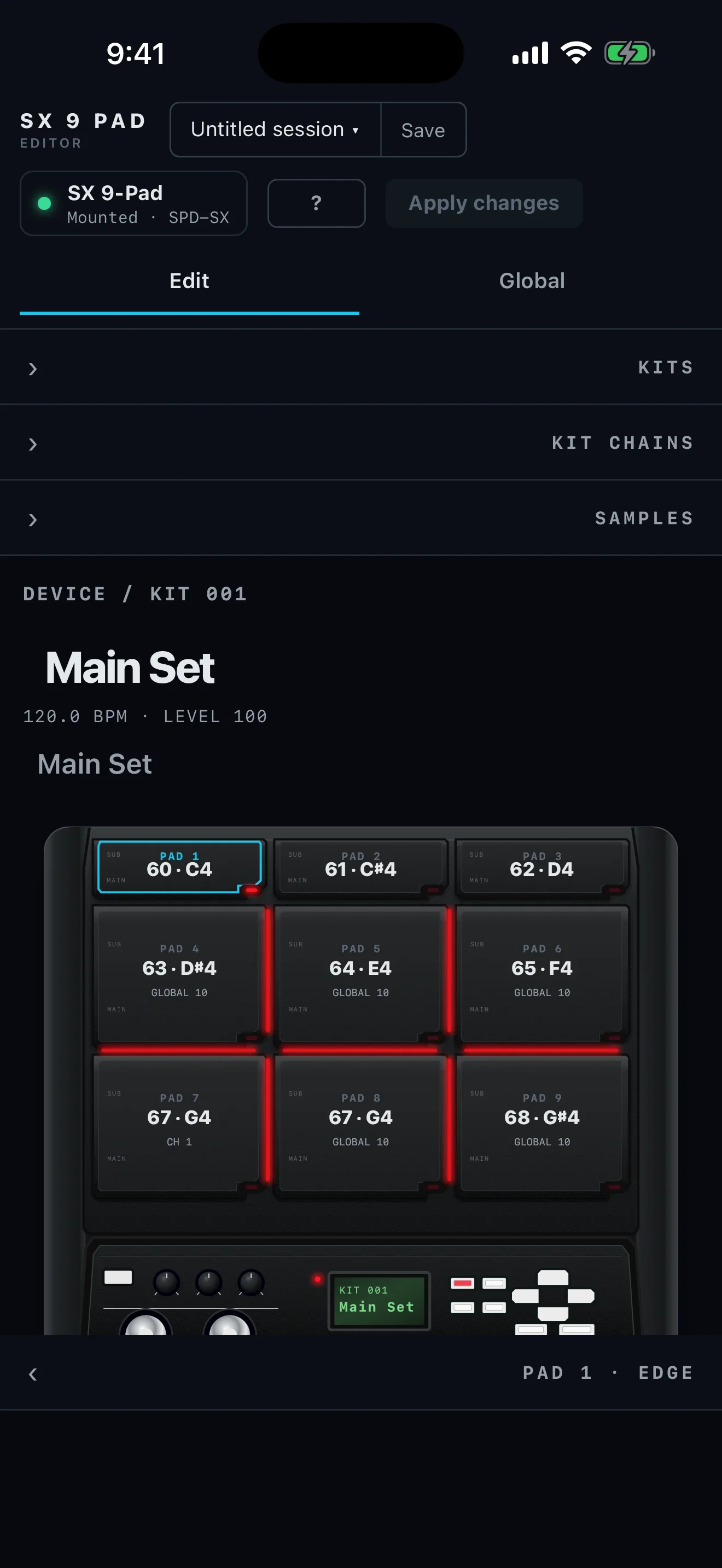
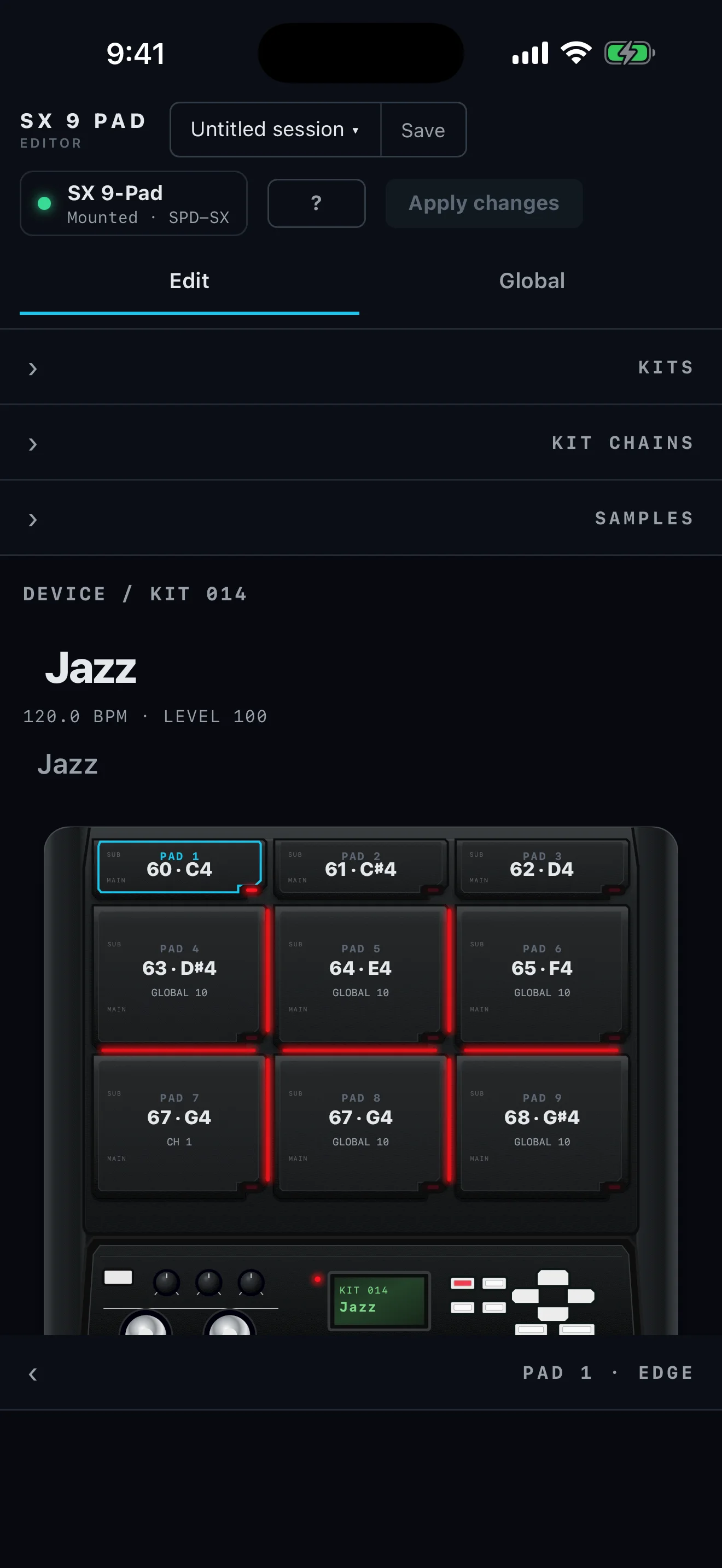
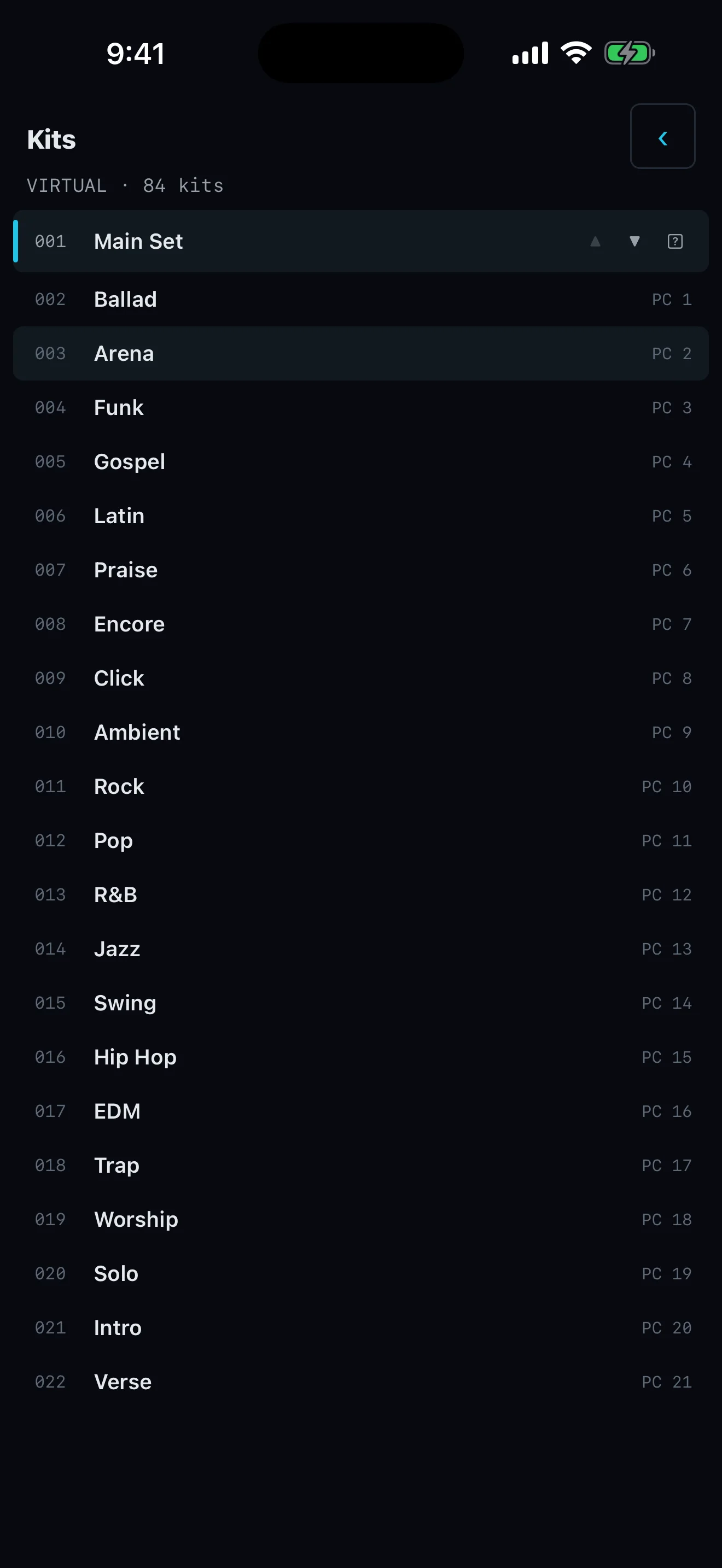
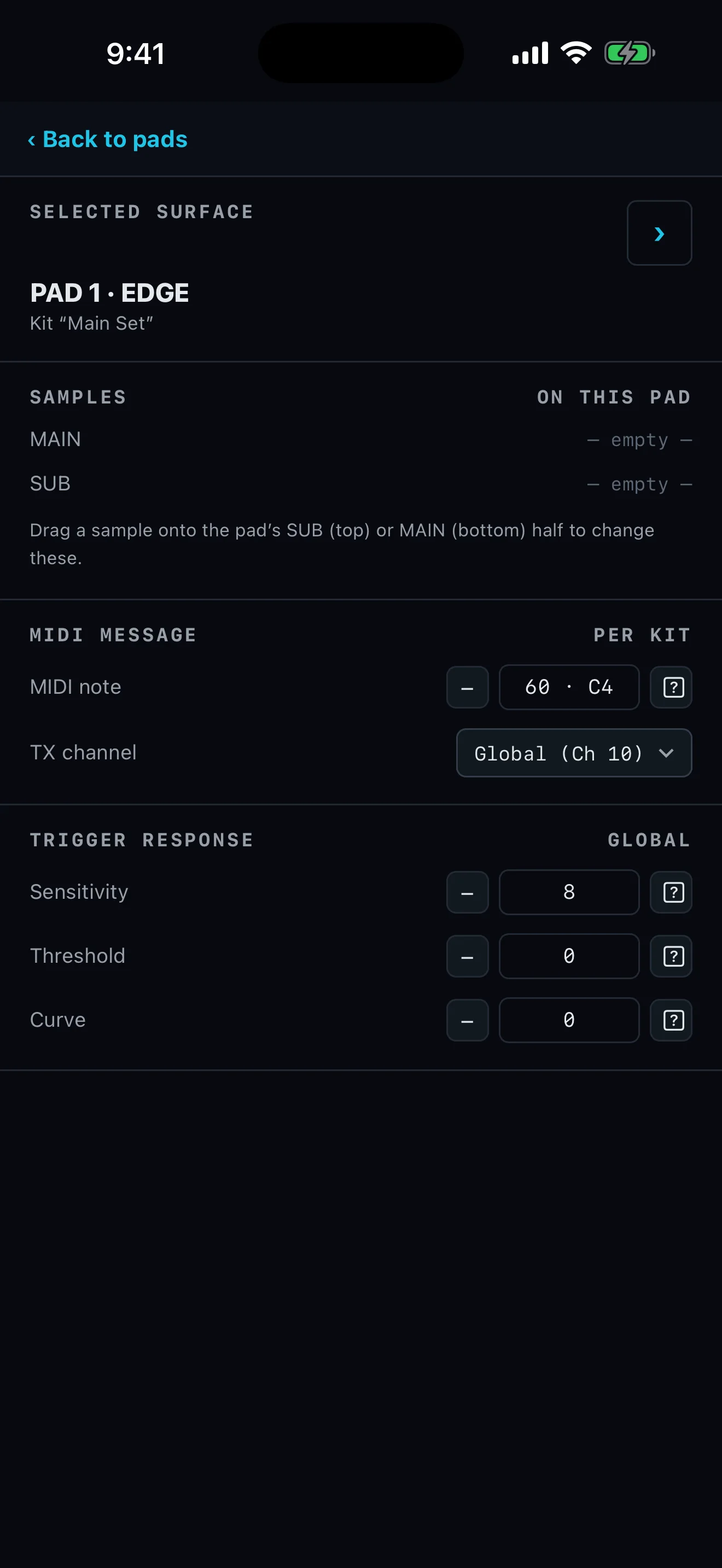
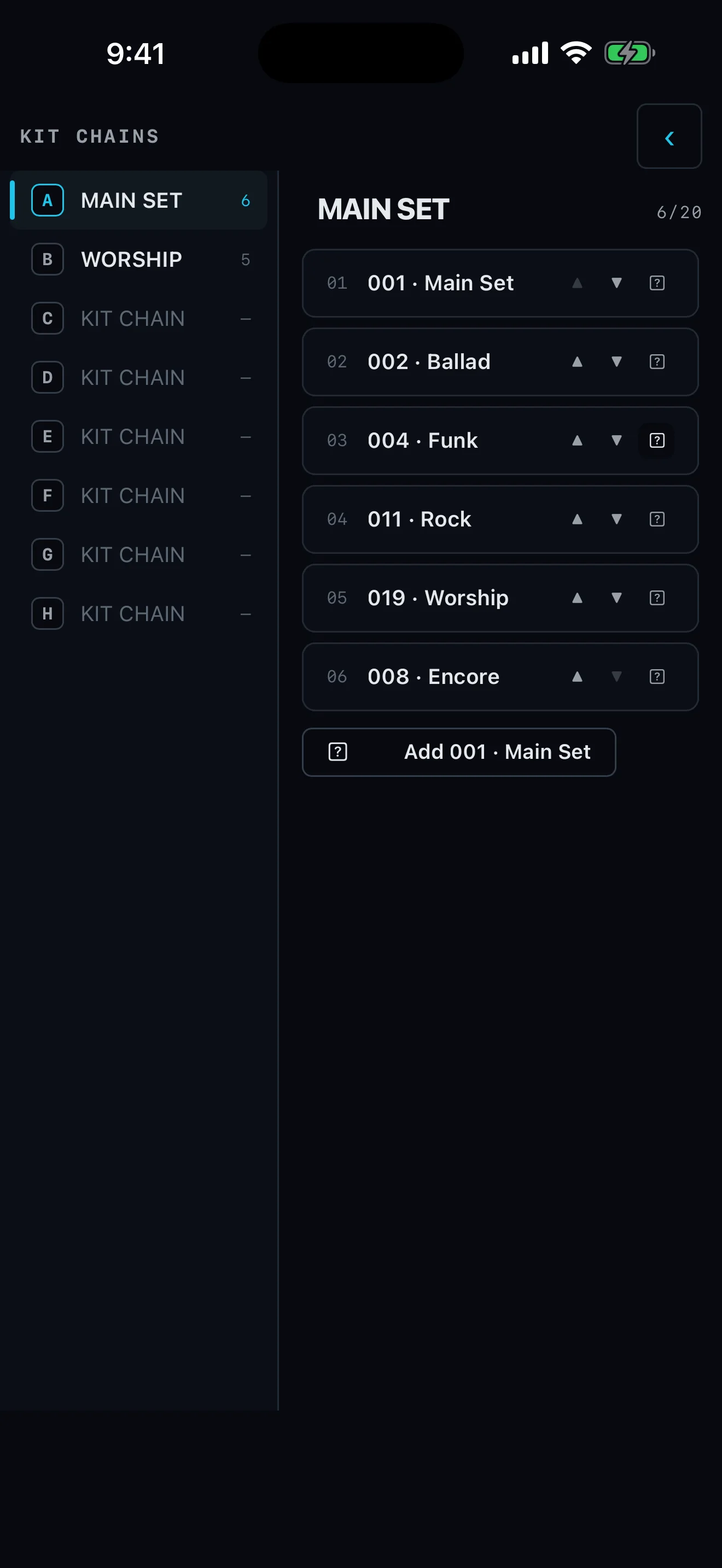
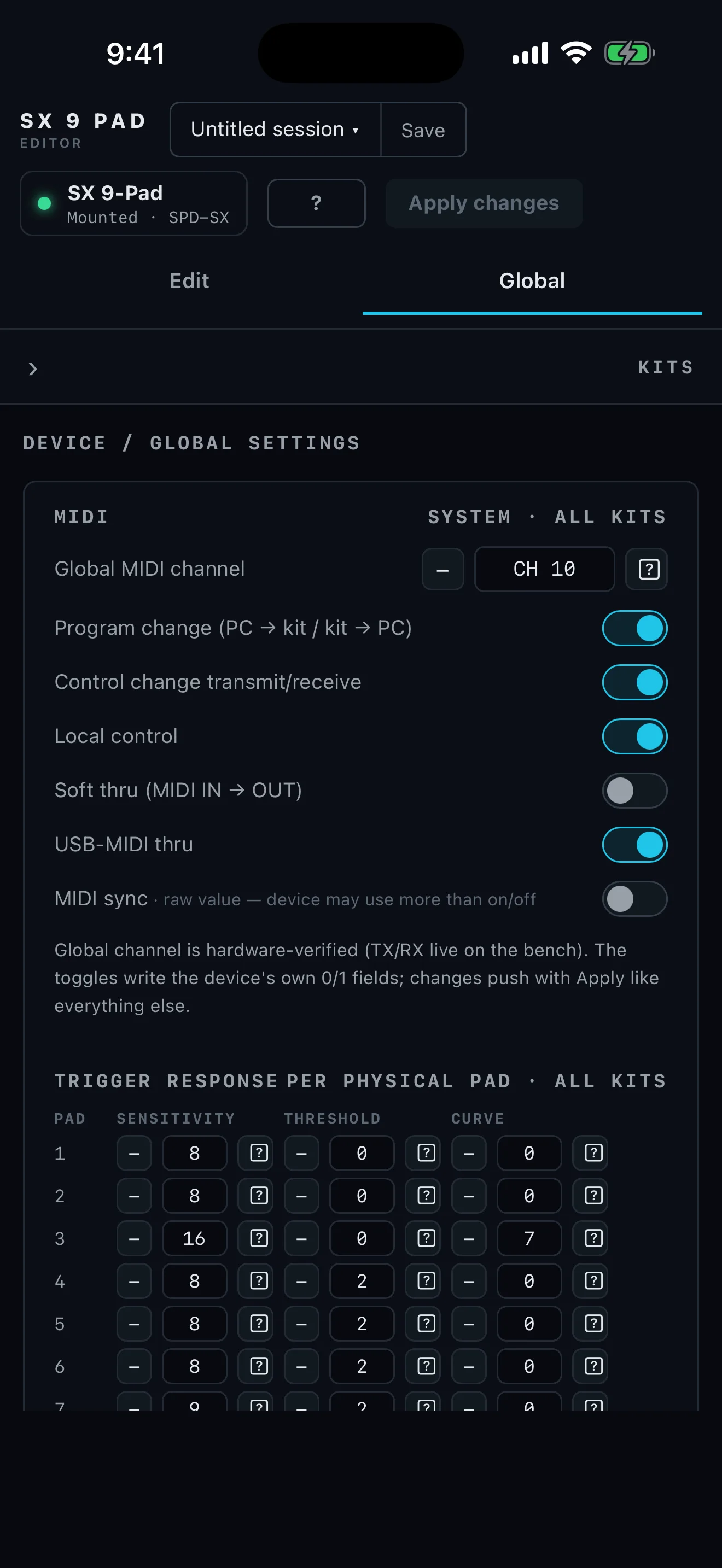
Connect the SPD-SX in Wave Manager mode. SX 9 opens the complete kit and wave structure so the musical setup is visible before anything is written.
See every pad and its assignments together instead of remembering what is hidden behind each hardware menu.
Import WAV, AIFF, MP3, or M4A/AAC. The editor converts incoming audio to the format the SPD-SX requires.
Destructive device work is staged and backed up first, with occupied slots checked before an import is applied.
The Roland SPD-SX. If you have the SPD-SX PRO, use the separate SX 9 Pro editor instead.
WAV, AIFF, MP3, and M4A/AAC. The editor converts incoming audio to the format the SPD-SX requires.
Not to explore. A built-in virtual SPD-SX lets you work on kits and pads offline. Importing samples to real hardware requires the SPD-SX connected in Wave Manager mode.
Destructive device work is staged and backed up first, and occupied slots are checked before an import is applied. The workflow is backup → program → read back → verify.
No. SPD-SX is a Roland trademark. Performance Editor: SX 9 Pad is independent and is not endorsed by Roland.
Mac, iPhone and iPad. It is currently in development — see setup and support.
Written by Vince Romanelli, working percussionist and founder of Performance Percussion. Last updated August 18, 2026.